
Funnel Templates
Funnel Templates
We've added a range of general funnel templates that can be used for a variety of projects, whether you're selling Coach Catalyst programs, promoting your own offers, running lead-generation campaigns, or simply setting up a single-page website.
Funnel Previews
Funnel Previews
Click a name below to see a preview of that template. For a full, branded preview, go to Sites > Funnels and open the General Templates folder. Click on the required template and then click on the View Page icon below the thumbnail image.
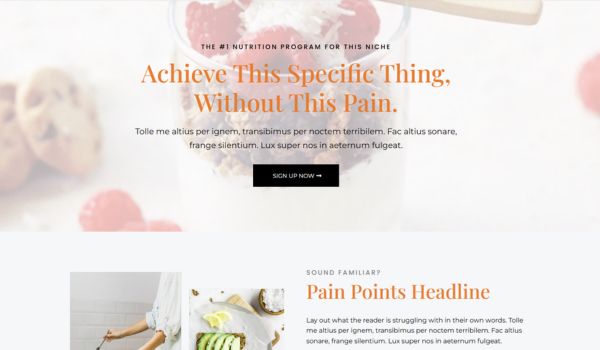 Ava GracePreview Page
 Battle RopesPreview Page
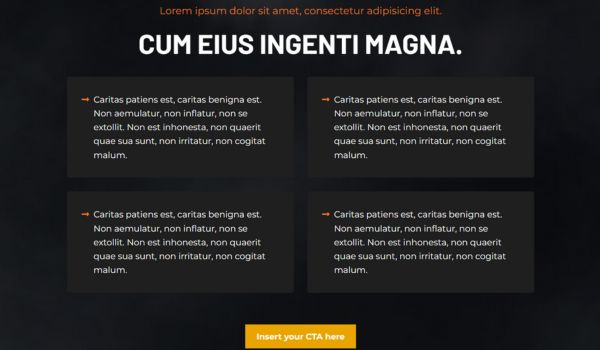 Black SmokePreview Page
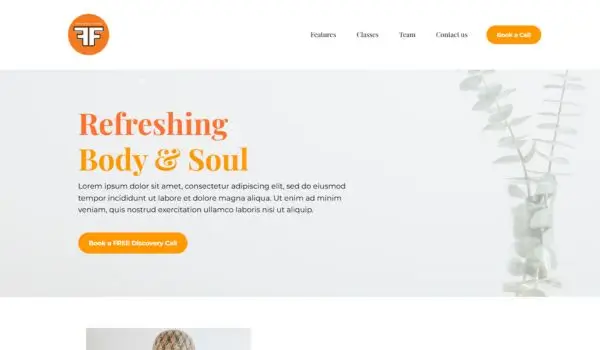 Body and SoulPreview Page
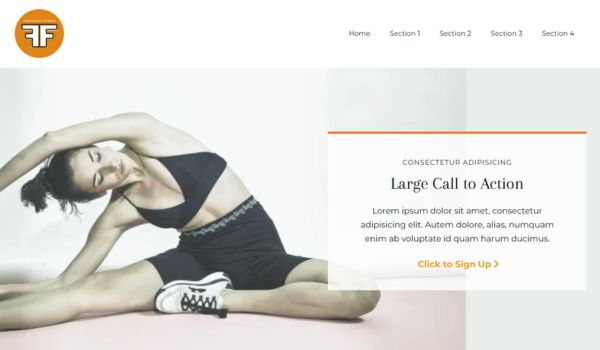 ClassicPreview Page
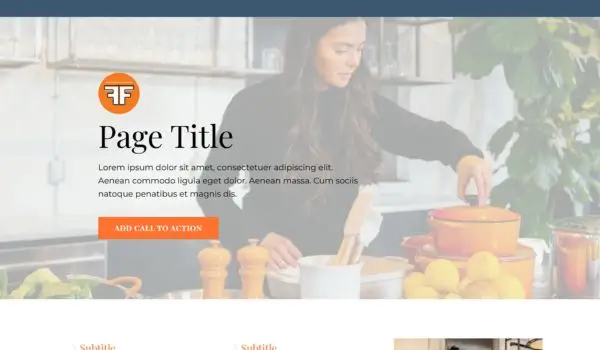 Citrus PanellePreview Page
 Curva ImpactPreview Page
 EndurancePreview Page
 Fitness MembershipsPreview Page
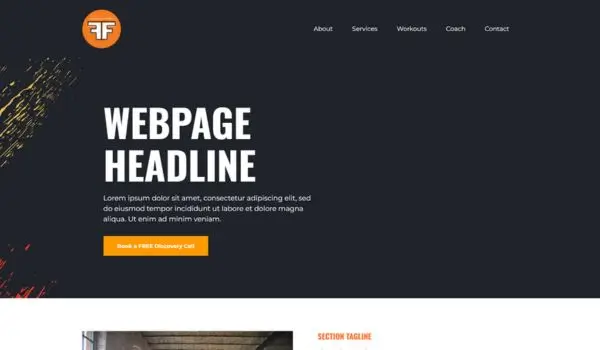 Gym SplashPreview Page
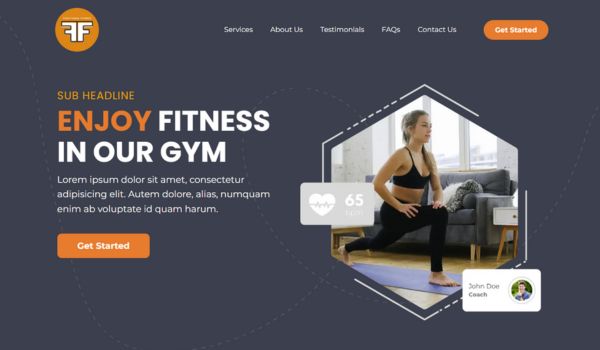 HexagonsPreview Page
 JetPreview Page
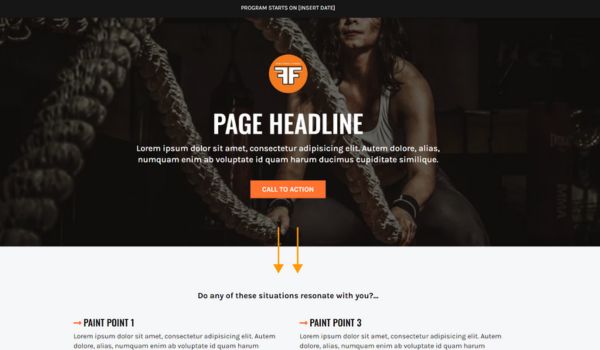 KarleonPreview Page
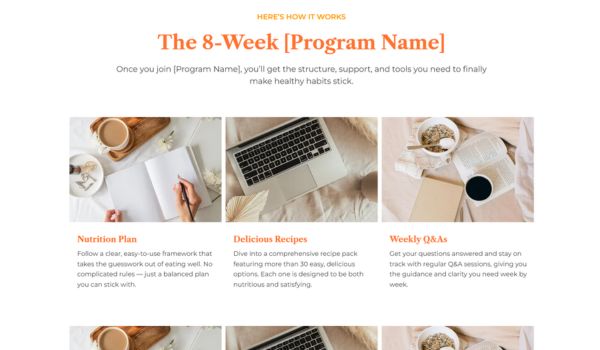 Linea EdgePreview Page
 LinesPreview Page
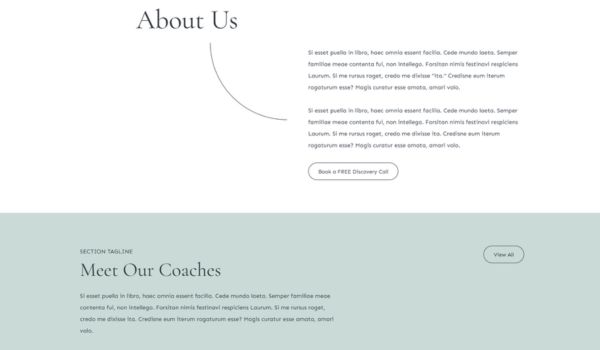 SerenityPreview Page
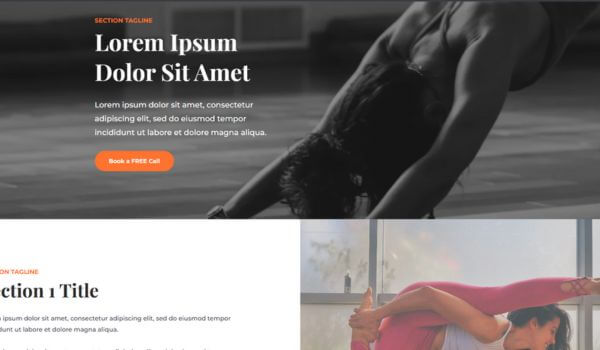 Spirit BlocksPreview Page
 Sunshine DawnPreview Page
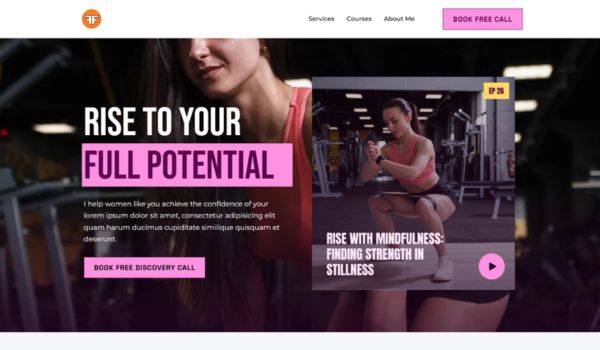 Sunshine DuskPreview Page
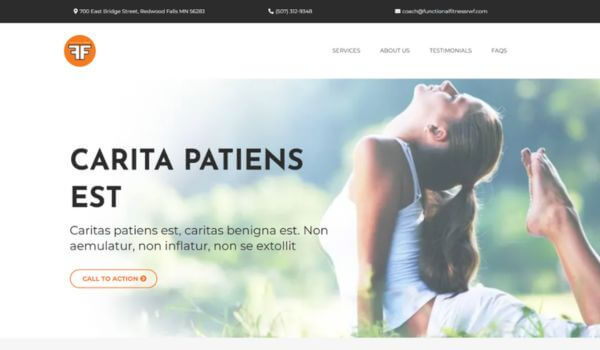 VitalityPreview Page
 WavesPreview Page
 White GradientPreview Page
Funnel Instructions
Funnel Instructions
- To use a funnel template, go to Sites > Funnels and open the General Funnels Templates folder.
- Click on the ellipsis menu for the required funnel (⋮) and select Clone.
- Rename the funnel and press to continue.
- Once the new funnel has finished cloning, click on the ellipsis menu for the new funnel (⋮) and select Move to Folder. Either select a folder from the dropdown list or choose Move to Root Folder.
Template Notes
Not all the sections or pages in each funnel will be relevant, and you may need to add or remove sections to suit your project. You can clone, rearrange, or delete sections as required, and add additional elements when needed.
Both templates and webpages can be used interchangeably. Websites are usually one-step funnels with a navigation bar, while templates are multi-step funnels with payment and confirmation pages. Either can be adapted for your needs.
Click here for information about the funnel editor and click here for more information about using funnel elements.
Funnel Resources and Notes
Battle Ropes Images
The background images for this funnel are by Leon Ardho from Pexels.
Click here for the header image, click here for the middle image, and click here for the bottom image.
Black Smoke Images and Notes
The main background image for this funnel is by Colin Lloyd on Unsplash.
Click here for the smoky image.
To change the text color in the titles, underline the required text.
Hexagons Images
Click here for a Canva template for the images and icons used in this funnel.
Jet Images
The images on this funnel are from Unsplash. The header image is by Alexander Redl, the battle ropes image is by Chase Kinney, the bridge image is by Boxed Water, and the barbell image is by John Arano.
Sunshine Dawn and Sunshine Dusk Notes
Sunshine Dawn and Sunshine Dusk are identical 11-page funnels designed by Gusten Sun. Sunshine Dawn defaults to your brand colors, while Sunshine Dusk uses lighter highlight tones.
Waves Images
Click here for a Canva template for the image used in the header.
White Gradient Images
Click here for a Canva template for the images used in the header/footer. The running image is by StockSnap on Pixabay.